Turn your inbox into a second brain
Replies perfectly drafted, tasks handled, emails organized and your AI chief of staff on call 24/7.
Help professionals save their time

Reclaim 90% of your email time
Watch how Jace organizes your inbox flawlessly – so you can send in seconds, not minutes.
Connect your Gmail
Securely link your Gmail inbox – setup is instant and effortless.
Jace onboards itself
No training required – Jace instantly masters your style and company context better than any human could.
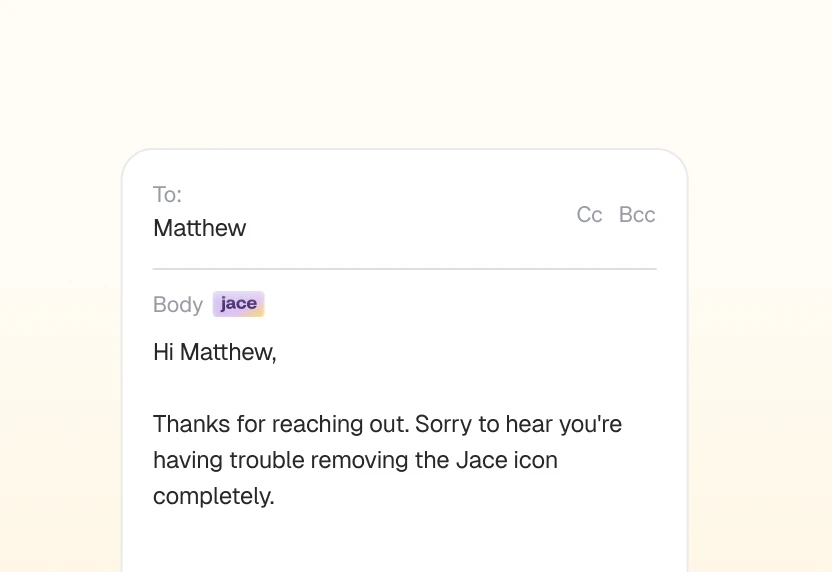
Review and send
Inbox organized. Approve drafts instantly, saving hours each day.
Write less, achieve more
AI Email Drafts
Spend 5 seconds per email, not 10 minutes
You're trying to respond to an important email... but it takes forever to check attachments, remember Slack discussions, and review previous conversations.
Now you get intelligent drafts that include all the context automatically - attachments analyzed, calendar checked, Slack reviewed.
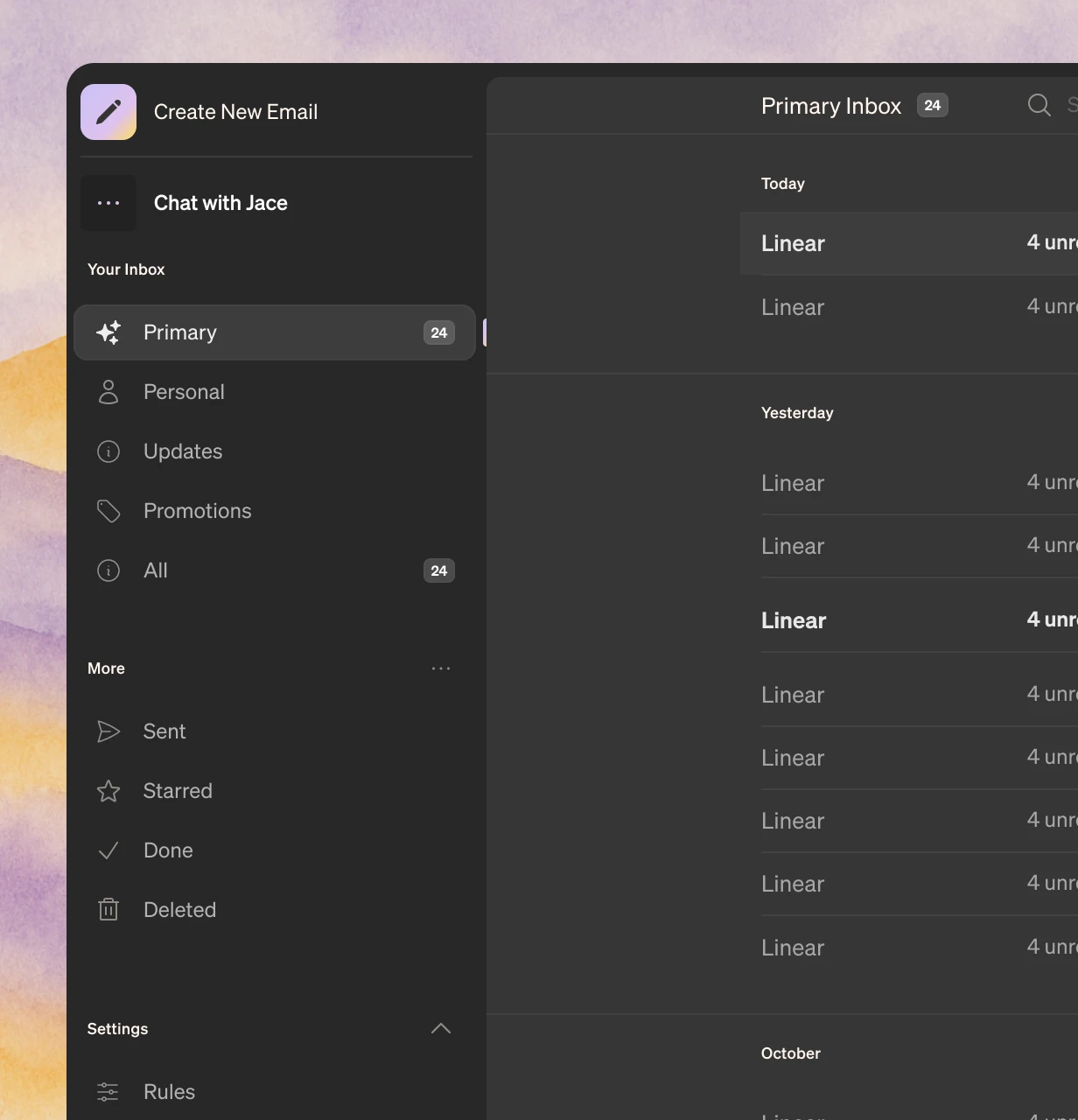
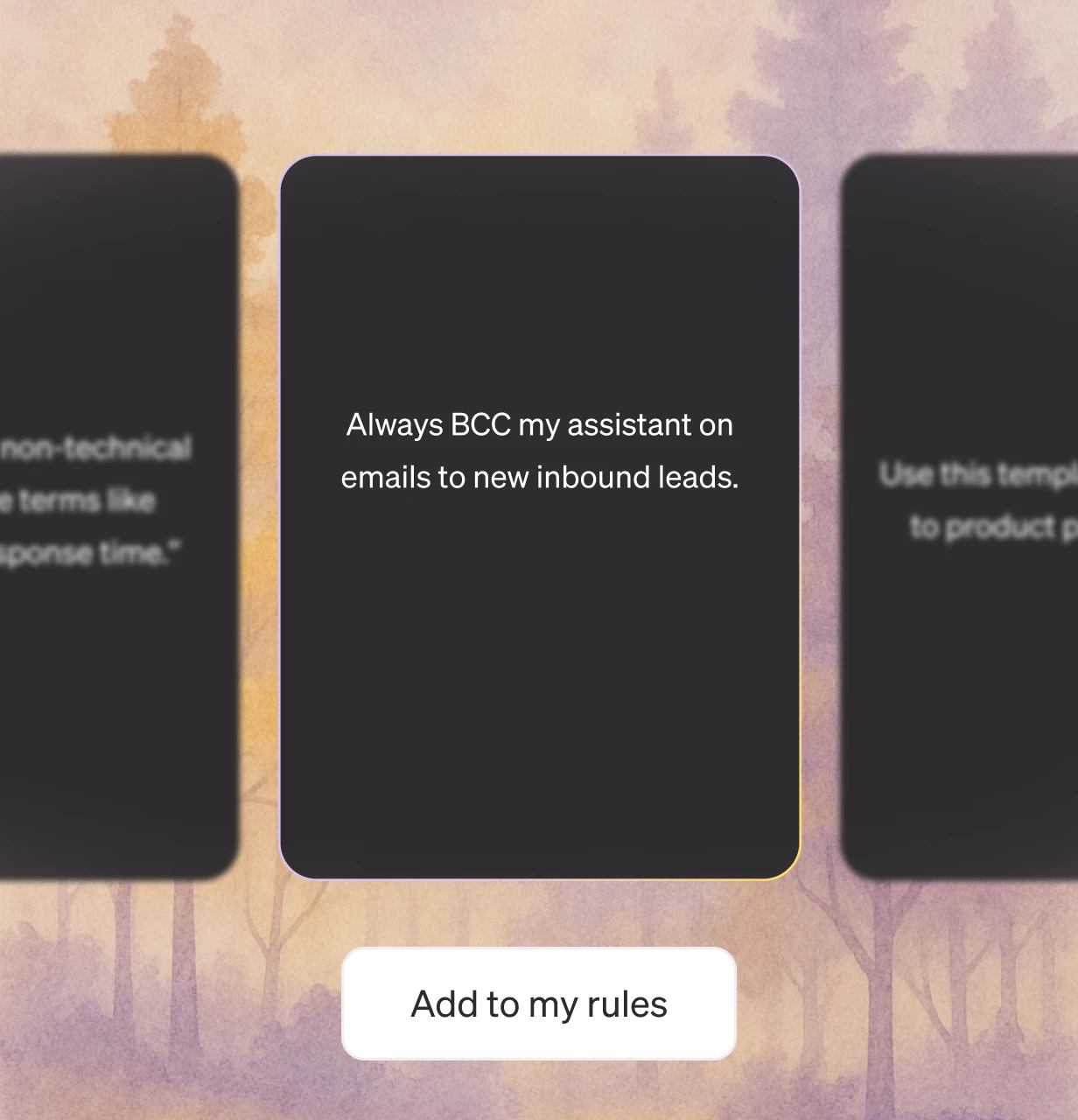
Smart Rules
Your personal email assistant.
You're managing business emails... but you constantly need to CC people, use templates, or create calendar events.
Now you can set custom rules that automatically handle CCs, apply templates, and trigger actions based on who you're emailing.
Business Integrations
Email in. Task done.
You receive customer requests and feedback... but you have to manually create tickets, send Slack updates, and notify your team.
Now actions happen automatically when emails arrive - tickets created, Slack notifications sent, documents saved.

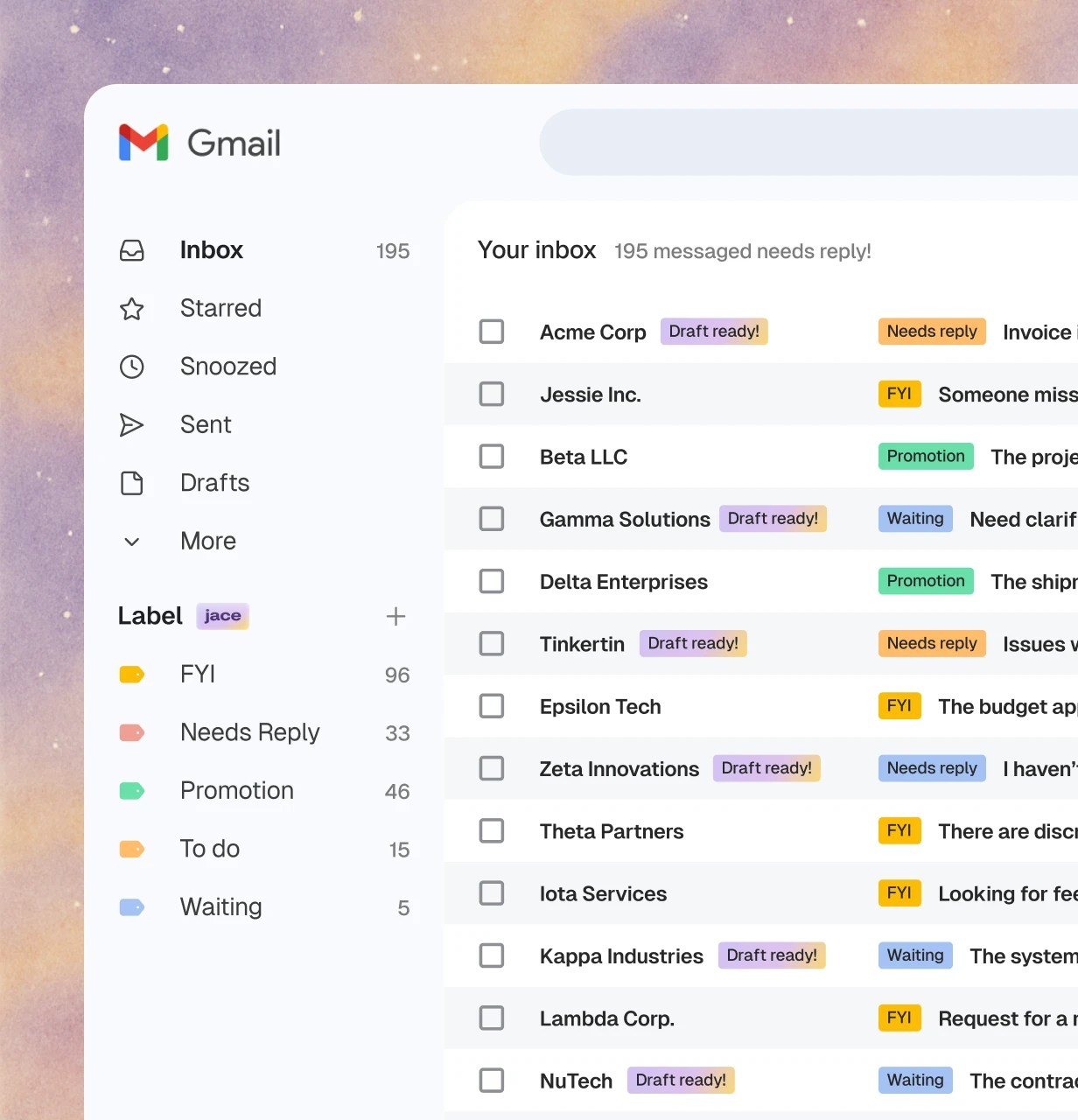
AI Labels
See what matters instantly.
You get 100+ emails daily... but scanning subject lines to find urgent messages wastes valuable time.
Now AI automatically labels emails by type and priority - "urgent client," "partnership," "internal updates."
AI Chief of Staff
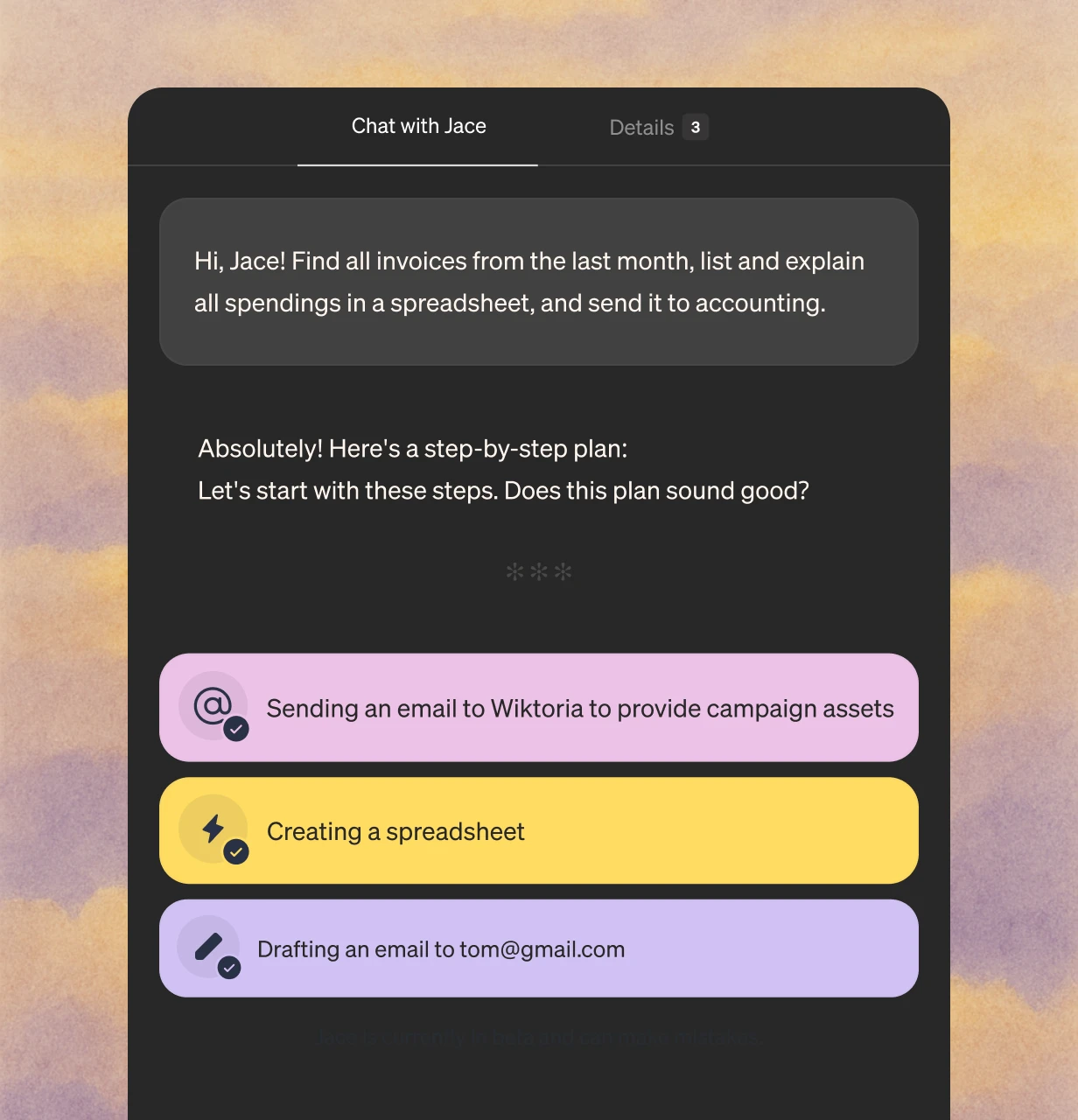
Ask anything. Get it done.
You need business information or want to complete tasks... but searching through emails, docs, and tools takes forever.
Now ask your AI assistant anything about your business and get instant answers plus actions completed.
See Jace in action
Watch how Jace handles an email in the example below.
Perfect knowledge and perfect voice
Plus plan
Pro Plan
Team plan
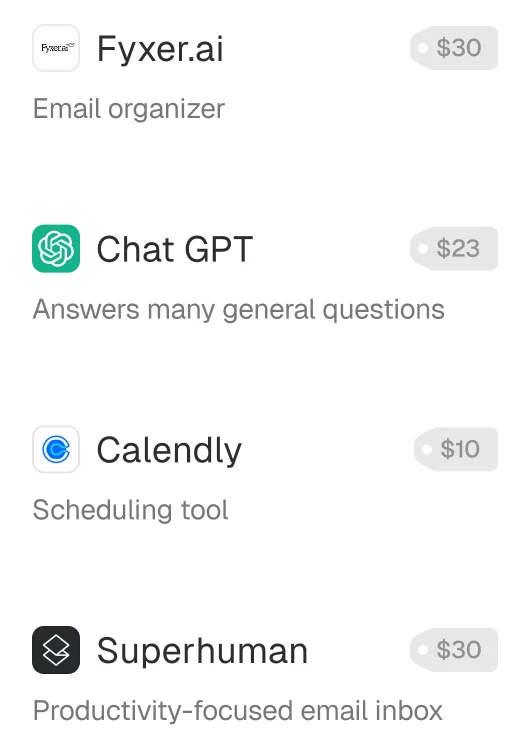
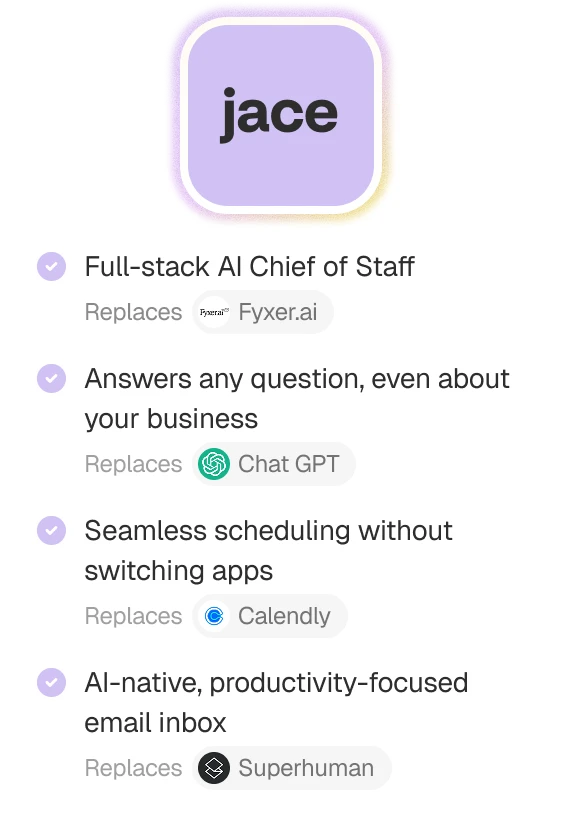
Replace 4 tools with one intelligent assistant
Stop paying for multiple subscriptions. Jace consolidates your email workflow into one powerful platform.
Bank-level security for your peace of mind
CASA Tier 3 Compliance
"Industry-leading security standards for sensitive data"
Encryption
Your emails are encrypted in transit and at rest
Enterprise-Grade Infrastructure
Built on secure cloud infrastructure with 99.9% uptime
Privacy First
We never train AI models on your data. Your information stays yours.



Secure. Private. Encrypted.
With CASA Tier 3 compliance and industry-leading encryption, your emails stay private, secure, and protected—always.
Frequently Asked Questions
Can I edit existing or add new AI Label?
Yes, you can!
To add new AI Label
- Go to Settings → Labels.
- Scroll to the section "Your labels".
- Click the "+ Create New AI Label" button.
- Enter a name and a prompt that describes what kind of emails should be included under this label.
- Save it - Jace will start tagging relevant emails automatically based on your prompt.
To edit an Existing Label:
- Go to Settings → Labels.
- Locate the label you want to edit (e.g., "Promotion").
- Click the pencil icon on the right side.
- Adjust the prompt or other settings as needed.
- Save the changes to update how Jace filters emails under the label.
What's more at the bottom of the page, under "Suggested AI Labels", you'll find popular categories with ready-made filtering rules — you can add any of them with one click for a quick start.
What are AI Labels and how do they work?
AI Labels in Jace are smart labels automatically applied to your emails based on their content. They're powered by AI and help organize your inbox by identifying the intent or type of each message — for example: Needs Reply, ToDo, Waiting, FYI, Promotional, etc.
How does Jace learn my writing style?
Jace learns your writing style automatically by analyzing your previously sent emails — no action required on your part. Over time, it picks up your tone, phrasing, and preferences to generate responses that sound like you.
If you want to speed things up or guide it more precisely, you can go to Settings → Writing Styles and help Jace match your personal writing style.
Do I need to install anything?
No installation required. Jace is a cloud-based platform that you access online through your web browser and email app, making it accessible from anywhere.
Does Jace send emails automatically?
No — Jace never sends emails without your approval. It prepares drafts for you to review, edit, and send when you're ready. You stay in full control at all times.
Is Jace available on mobile?
Yes — simply open your email app, and you'll see Jace's drafts and labels right there, ready to use.
Where can I access Jace?
Jace lives right inside your email inbox. You'll find it working quietly in your email app (both mobile and desktop) – drafting replies, drafting responses, handling your messages. But it also comes with a full custom, AI-native web app at app.jace.ai, where you get the full power of Jace in a focused workspace.
Whether you're on your email app or our app, Jace is always just a click away – ready to take email off your plate.
What is Jace AI and how does it work?
Jace AI is your AI-powered email assistant that lives inside your inbox. It helps you triage, write, and act on emails—so you can focus on real work, not admin.
Here's how it works:
– Lives where you work: Jace connects directly to your email (Gmail or Outlook) and shows up in two places—right inside your email inbox and in our custom web app at app.jace.ai. You choose the interface you prefer.
– Understands your voice: Jace learns how you write by analyzing your past emails. It doesn't just draft replies—it drafts them the way you would.
– Handles replies and next steps: Whether it's responding to intros, following up on threads, or suggesting calendar times, Jace prepares smart replies with one click.
– Rule-based automation: You can set rules like "always accept investor intro meetings" or "decline recruiter messages" and Jace will act accordingly—automatically or with your approval.
– Built for speed: Everything is optimized for power users—keyboard shortcuts, zero-click workflows, natural language scheduling, and more.
In short, Jace is like having a chief of staff in your inbox—except it never sleeps.